Star name design with symbols and sparkles
A star name design can use an outline star, a filled star, a small four-point star or a sparkle emoji. Changing the star changes the look as much as changing the letters. A big filled star goes well with bold letters. A thin outline sparkle sits quietly next to cursive. Try your plain name with stars before you pick a fancy script. For a short nickname, one star on each side is usually enough. A trail of stars between the letters looks different and makes the name longer. Check the whole result, because not every star looks the same once you paste it.
How to copy a name with stars
Type your name, look at the star styles, and tap More designs to see the rest. Pick a result where both the letters and the stars look right, then copy that card. When you paste, you get the stars, the spaces and the styled name together. Want to keep your normal letters and only add stars? Use the Text Decorator page and choose its star frame. That is handy for names with accents, or letters the star styles can't change. Save one simple star pair and one busier version before you try another name. Each saved design keeps the spelling it had when you saved it.
Star nickname ideas for games and profiles
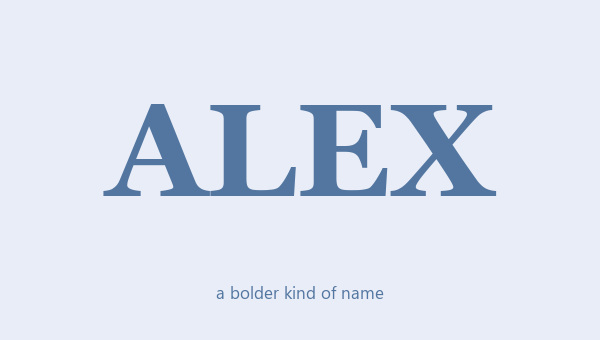
Stars give a short nickname a clear start and end. Bold serif letters with filled stars look strong. Small capitals with stars take up less space. A cursive star frame looks like a signature. For a team nickname, keep the main name easy to read, so teammates can still say it and find it. For a profile bio, style one name line instead of every word. The game or app has to accept the text, so paste it there and check before you keep it. The stars are just decoration. They don't give you a verified badge, a game rank or any special status.
Choosing a clear star frame
A row of tiny stars may look nice here, but it can turn into a blurry line in a small profile header. Try one pair of stars and a group of stars at the size people will really see. Make sure there is some space between the stars and the letters. The spaces you copy are part of the design, so deleting them can make it look off. If a star emoji looks much bigger or brighter than you expected, switch to a text star and try again. If your name already has punctuation, a simple border makes it easier to tell the name apart from the stars.
Choose the letters and the stars one at a time
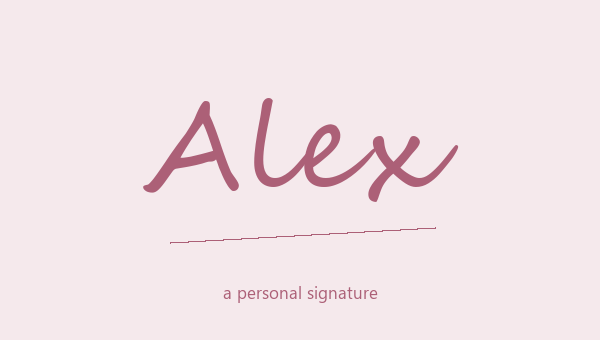
Bold Script with Stars uses script letters with outline sparkles. Small Caps with Stars uses small capitals with filled stars. Look at the letters inside, not just the stars. A big star can take over thin letters, especially in a short nickname.
Check small stars at a small size
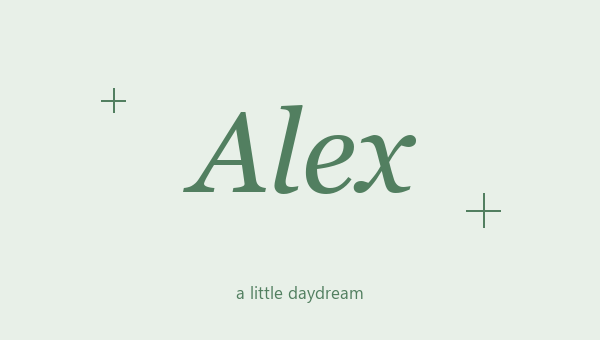
Italic with Star Frame uses a little group of stars on each side, not just one. Zoom out, or paste it where you will use it, to see if the tiny stars still look clear. A simple star pair is easier to tell apart from punctuation.