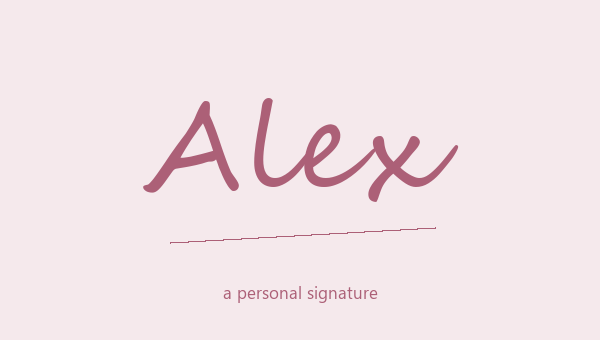
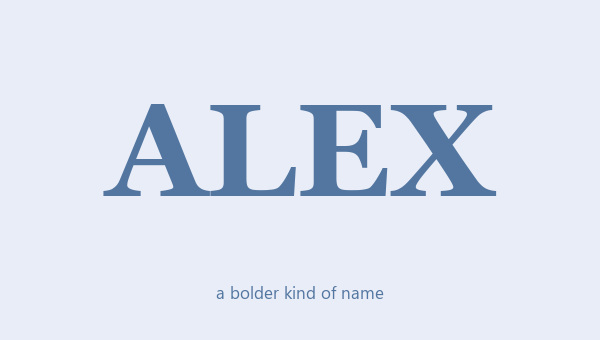
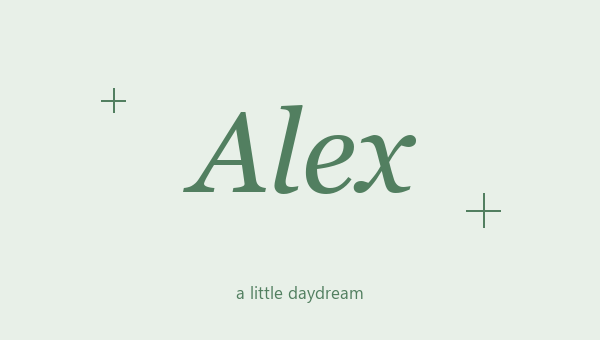
Facebook name design for posts and bio text
A Facebook name design can make a name stand out in a post, bio, comment or short intro. Bold letters stand out against a normal sentence. Cursive can make a name look like a signature. Decide where you will use it before you pick a style. Styling a line in a post is very different from changing the name on your Facebook account. These designs are text ideas to copy, and they are not checked against Facebook's name rules. Start with a short piece of text you can preview. Then you can see how it looks before you use it anywhere else on Facebook.
How to copy stylish Facebook text
Type a name or short heading and look at the bold, italic and cursive results. Copy the whole design, including any frame you want. Paste it into a draft post or your bio and check it before you post or save. These are special characters, so they can act differently from text you make bold with Facebook's own buttons. If Facebook offers a bold or italic button where you are typing, try that too. Keep the rest of the sentence normal while you test, so you can see if the styled name really stands out. You can save a few ideas here without posting anything.
Use name lettering within a clear message
For a short intro, try a bold name followed by a normal sentence about the person or project. To sign off a post, try a plain cursive name and one with a small decoration. A long announcement needs clear, normal text more than it needs decoration on every line. Never turn phone numbers, emails or important instructions into fancy letters. The styled name should help the message, not take it over. Read the whole draft, including the comments around it. Ask yourself if someone who doesn't know the name can still read it right away, without copying it somewhere else to check.
Your account name follows separate rules
Facebook has its own rules for the name on a personal account. A nice preview here doesn't mean the account name field will accept it. Keep that choice separate from styling a post or bio. For bio text, check the result after you paste it and remove any symbols that look wrong. If your name has accents or letters the style doesn't change, keep the correct spelling and try a simpler design. Don't change your name to fit the letters. Keep a plain version for everyday use. What matters is a name people can read in the right place, not one design that has to work everywhere.
Style one name, not the whole post
In a post or comment, try styling a short name or heading and leaving the rest in normal text. The styled part stands out more that way. These special letters are not the same as Facebook's bold button, and screen readers may read them out strangely.
A styled post is not an account name
These results are text ideas, not a name rule checker. A style that works in a caption may not work for your personal account name. Keep your normal spelling handy, and check the exact field before you save a profile change.