Aesthetic name design through spacing and lettering
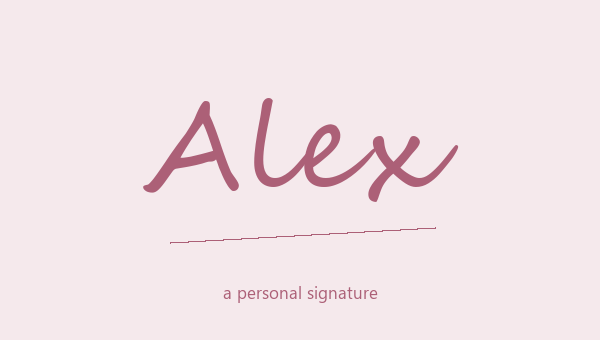
An aesthetic name design doesn't need a big border. Wide letters, typewriter letters, a light italic or plain script can give your name a calm, matching look on their own. Try them with a name you really use, not just the example. Full-width Letters makes each letter wider. Spaced Letters adds spaces between your normal letters. Both look open and airy, but they are different text. Monospace Letters looks like an old typewriter, with every letter the same width. Cursive Script looks soft and flowing. Choose the letters that fit the rest of your profile first. Then add moons, leaves or other small extras.
Copy and paste an aesthetic name style
Type a short name, look at the plain letter options, and save two or three you like. Tap More designs to see more frames and mixes. Copy a result from its card, then paste it next to the text that will go with it. A name at the top of a bio may need a different look from a short line at the end of a caption. The copied text doesn't keep the card color or preview size. So pay attention to the letter shapes, the spacing and the symbols, because those are the parts you actually copy. Open your saved list when you want to look at your first picks again.
Minimal names, moon frames, and soft accents
For a minimal aesthetic name, start with plain monospace or sans serif letters. For a softer signature, try cursive with a small pair of moons. A leaf or cloud frame adds a cute little picture, while plain wide letters keep the focus on the spacing. You can get very different moods without changing your nickname at all. Try one style for your profile name and a simpler one for when your name shows up in normal text. Keep important details like your email in normal letters, so people can read and copy them. The styled name should help people find you, not make every line fight for attention.
Keep aesthetic lettering consistent
Aesthetic name styles look best when every part matches. Check the capital letter, the small letters and any numbers at the end. Full-width Letters changes letters and numbers in the same way, but script may leave numbers normal. That can look nice or look wrong, depending on your name. Try a name with two words as well. Extra spaces between letters can make the gap between the words hard to see. Use a plain version when space is narrow, or when a symbol shows up as an empty box. Keep one simple style saved. It gives you a good starting point next time, so you don't have to start over.
Wide letters or spaced letters?
Full-width Letters turns each letter into a wide character. Spaced Letters adds spaces between your normal letters. Both look open, but the text is different. Try both with a two-word name and see if the gap between the words is still clear.
Stick to one letter style
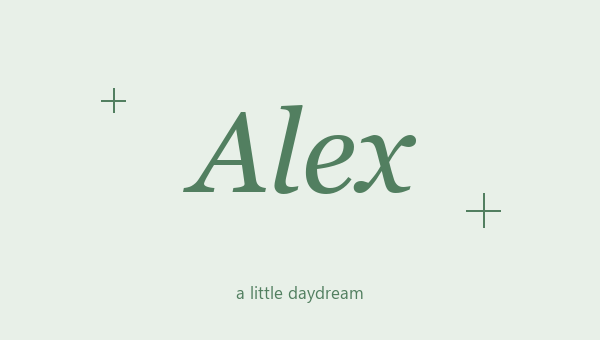
Monospace Letters, Cursive Script and Serif Italic each give your name a different mood without any extra symbols. Look at your name next to the normal text around it. A style can look great as a short heading but feel like too much for a whole bio.