Bold name design with serif or sans serif letters
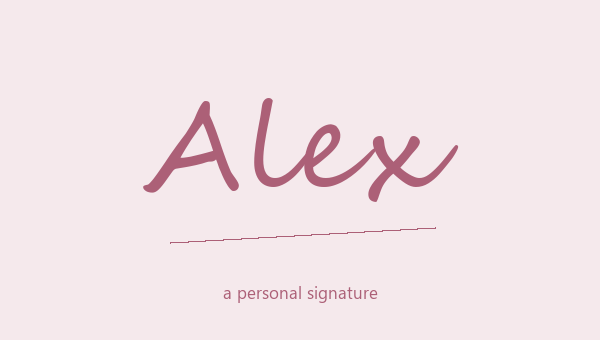
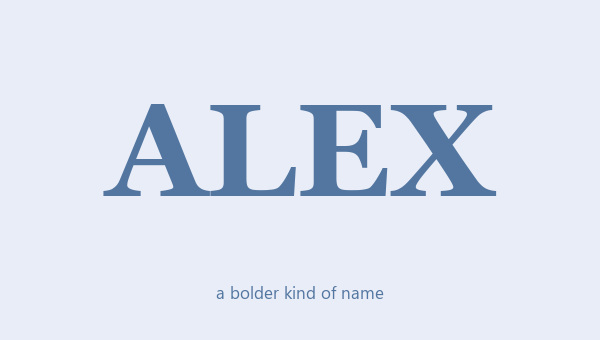
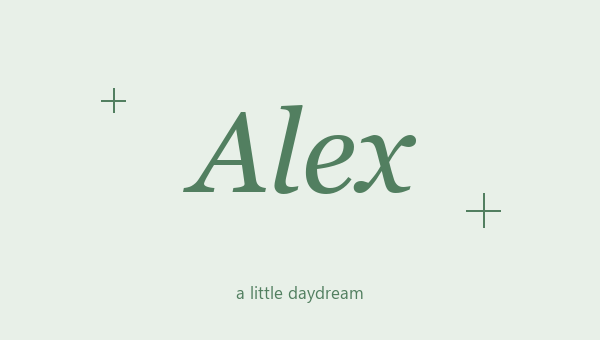
A bold name design makes your name stand out without a big frame around it. Bold Serif has small lines at the ends of each letter. Bold Sans Serif is cleaner and simpler. Try both with the same capital letters before you choose. A short nickname in all capitals looks strong and compact. A longer name with just a capital first letter is often easier to read. You can also try bold script, bold italic and bold gothic. These are different letter sets, not just heavier versions of one style. Pick the letter style first, then try stars, hearts or brackets around it.
How to copy bold name text
Type the name or short phrase you want to make bold and watch the results change. The first designs have no symbols. Tap More designs if you want one with a frame. The copy button copies the bold name and any frame together. Paste it next to normal text to see how much it stands out. You don't need to download a font or install a keyboard. Some apps already have a real bold button, but that button only changes how normal letters look inside that app. These results are different characters, so the bold look stays when you copy and paste them somewhere else.
Bold names for headings, bios, and short messages
Use bold name text when people need to spot a name fast. It works well in a short intro, one line of a bio or a heading above a message. A bold name followed by a normal sentence is much easier to read than a whole paragraph in bold. A crown or two stars adds even more, so try the plain bold letters first. For a team, use the same bold style for everyone instead of a different one for each player. Matching letters make a team look like a team more than matching symbols do. Keep the rest of the message in normal text so the bold name has room to stand out.
Compare numbers and longer bold names
If your nickname ends with numbers, check the whole result, not just the letters. Bold Serif and Bold Sans Serif have bold numbers too. Some other bold styles leave numbers normal. A short number fits in fine next to simple bold letters, but it can look out of place next to fancy script. Look at repeated letters too. Thin letters like i, l and m can blur together in heavy gothic. The space between words should still be easy to see. Save one clean bold name design and one with symbols. Paste both where you will use them, and keep the one that is easier to read at that size.
Pick the letter shape, not just how thick it is
Bold Serif has small lines on the ends of letters. Bold Sans Serif is plain and simple. Try the letters in your real name, especially at a small size. A style that looks great in the example may be harder to read in a long last name.
Bold letters don't need much extra
Bold letters already stand out. Try them on their own before you add a crown, a frame or another symbol. In a normal sentence, make only the name bold. The rest of the sentence stays easier to read, and the name gets more attention.