Cursive name design for copy and paste
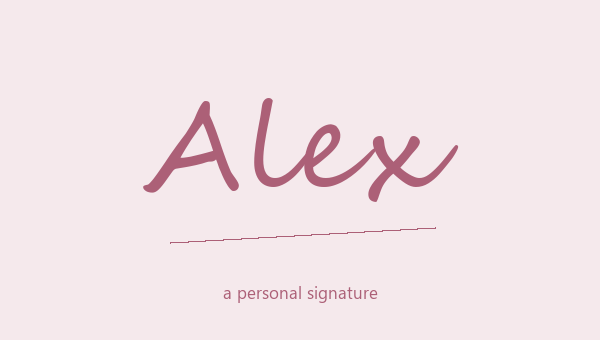
A cursive name design gives your name a handwritten look, and you can still copy it as normal text. Type a first name, nickname or short signature. Then look at Cursive Script and Bold Cursive Script side by side. The light one is good for a quiet profile name. The bold one stands out more next to normal text. Try Alex with a capital A, then alex in lowercase. The big curly capital changes the whole look, but the spelling stays the same. Pick the script first. Add a heart, moon or flower after that, and only keep it if it makes the name look better, not more crowded.
How to copy a cursive name
Type your name in the box above and scroll through the cursive results. Tap More designs to see the rest. You don't need to type your name again for each style. Press the copy button on the one you like, then paste it into your bio, a message or any text box. You get everything shown on that card, including the symbols and spaces. If you only want the cursive letters, pick a design with no symbols around it. That is faster than deleting them by hand. Save a few favorites before you try another spelling. Each saved design keeps the name it had, so you can look at them again later.
Cursive styles for profile names and bios
In a profile name, a short cursive name works like a small signature. In a bio, put the script on your name only and write the rest in normal letters. That way the signature stands out and the rest is easy to read. Two small outline hearts suit a personal nickname. Plain script with no symbols goes better with a job title or a city. Check how it looks next to your real profile photo and bio, not just on this page. A style that looks roomy here can feel tight in a small profile header, so test it where people will actually see it.
Choosing between script and a decorated signature
A busy cursive design is not always best for a long name. Try your first name plus the first letter of your last name. Or keep the full name and drop the frame. Don't remove an accent just to make the letters match. Letters the script can't change stay as they are, so another style may look more even. If you see empty boxes after pasting, go back to plain script, or put normal letters inside a simple border. Keep a normal version of your name for search and everyday use. You want a signature people can read, not a row of shapes only you understand.
Pick the script before you add a frame
Cursive Script and Bold Cursive Script are two different script styles. Try your name with the capital letters you really use. A tall first letter can change the look more than a small symbol does. Neither one is a drawn signature or a picture, so you can edit the copied text later.
Can I keep hyphens and accents?
Yes. A hyphen, apostrophe or accent stays as it is next to the script letters. Don't delete parts of your name to make it look neat. Try simpler letters, or use script for a short signature and keep your full name in normal text.